01Design
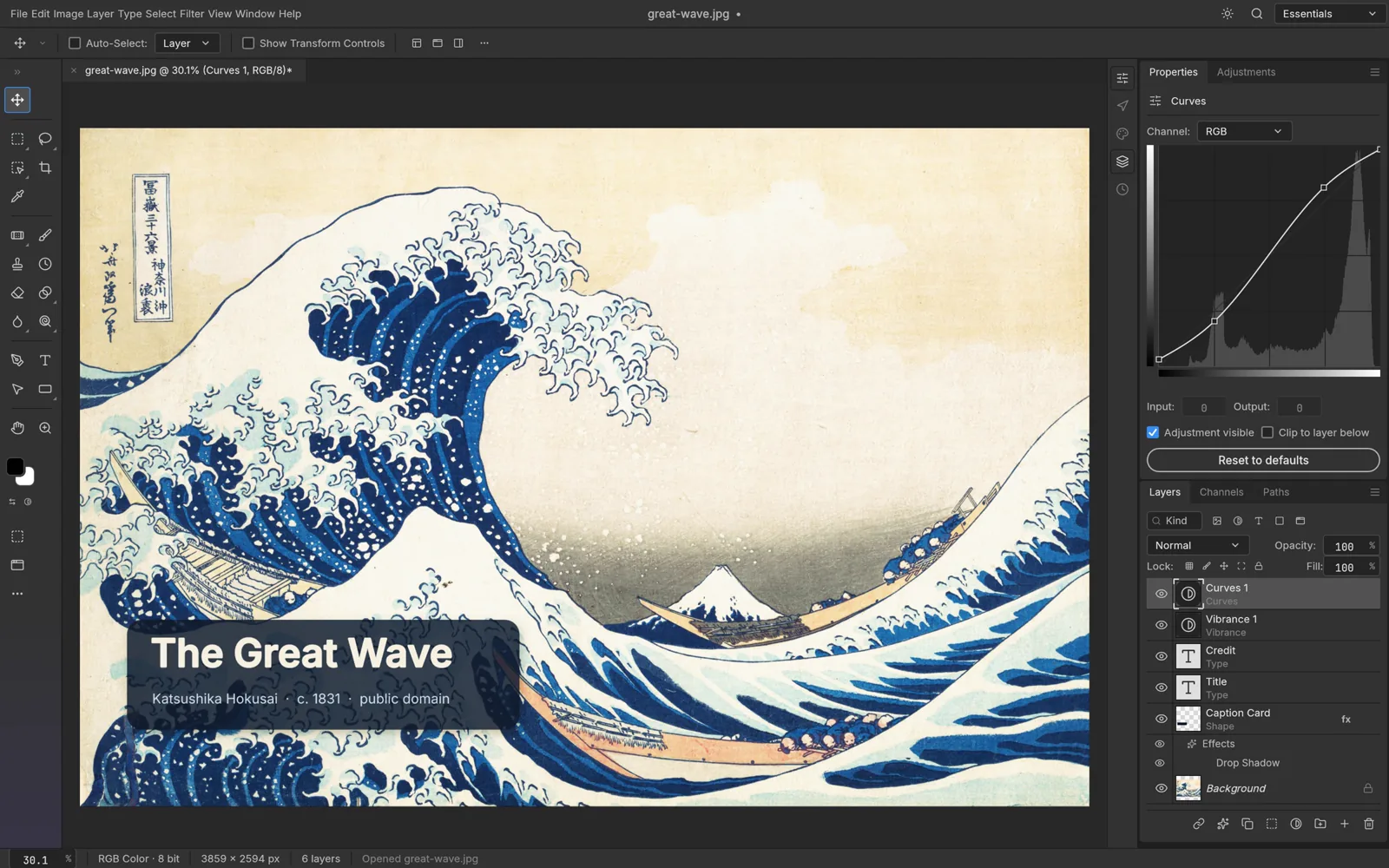

PhotoCraft
Edit and composite images using layers, masks, adjustment layers, brushes and type. Work with layered PSD files in a native desktop workspace built for photo editing and digital artwork.
Early alphamacOSOpen source
ARTCRAFT APPS / AN INDEPENDENT MAC GUIDE
Explore 17 open-source apps for images, video, design, sound and more. Find your craft, see what it does, and install it from the official source.
01 / THE LINEUP
From the first sketch to the final export.
Pick a tool to see its Mac install guide.
Edit and composite images using layers, masks, adjustment layers, brushes and type. Work with layered PSD files in a native desktop workspace built for photo editing and digital artwork.
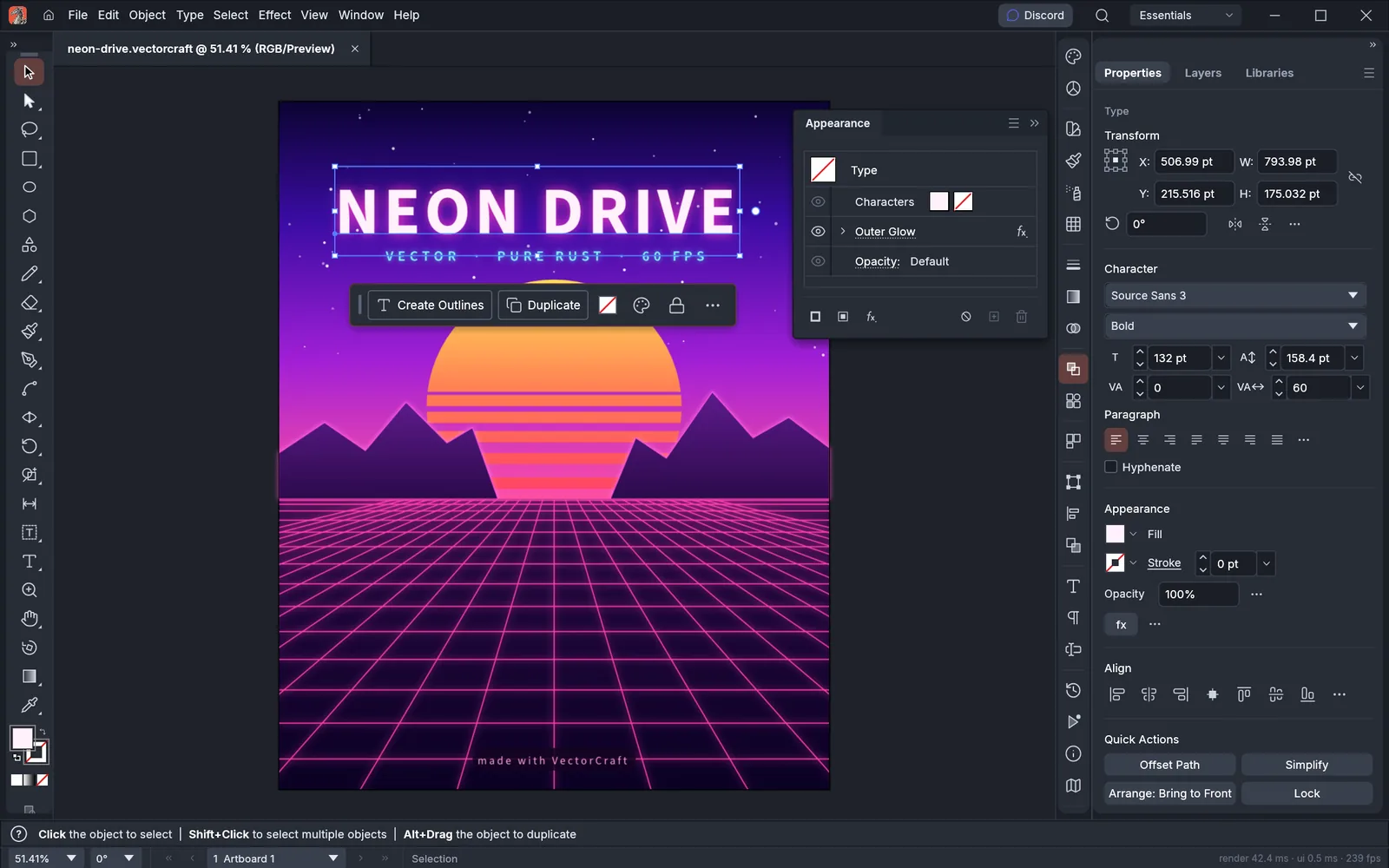

Create scalable illustrations with familiar pen tools, panels and keyboard shortcuts. A native vector workspace for drawing and refining artwork, with a browser version available too.
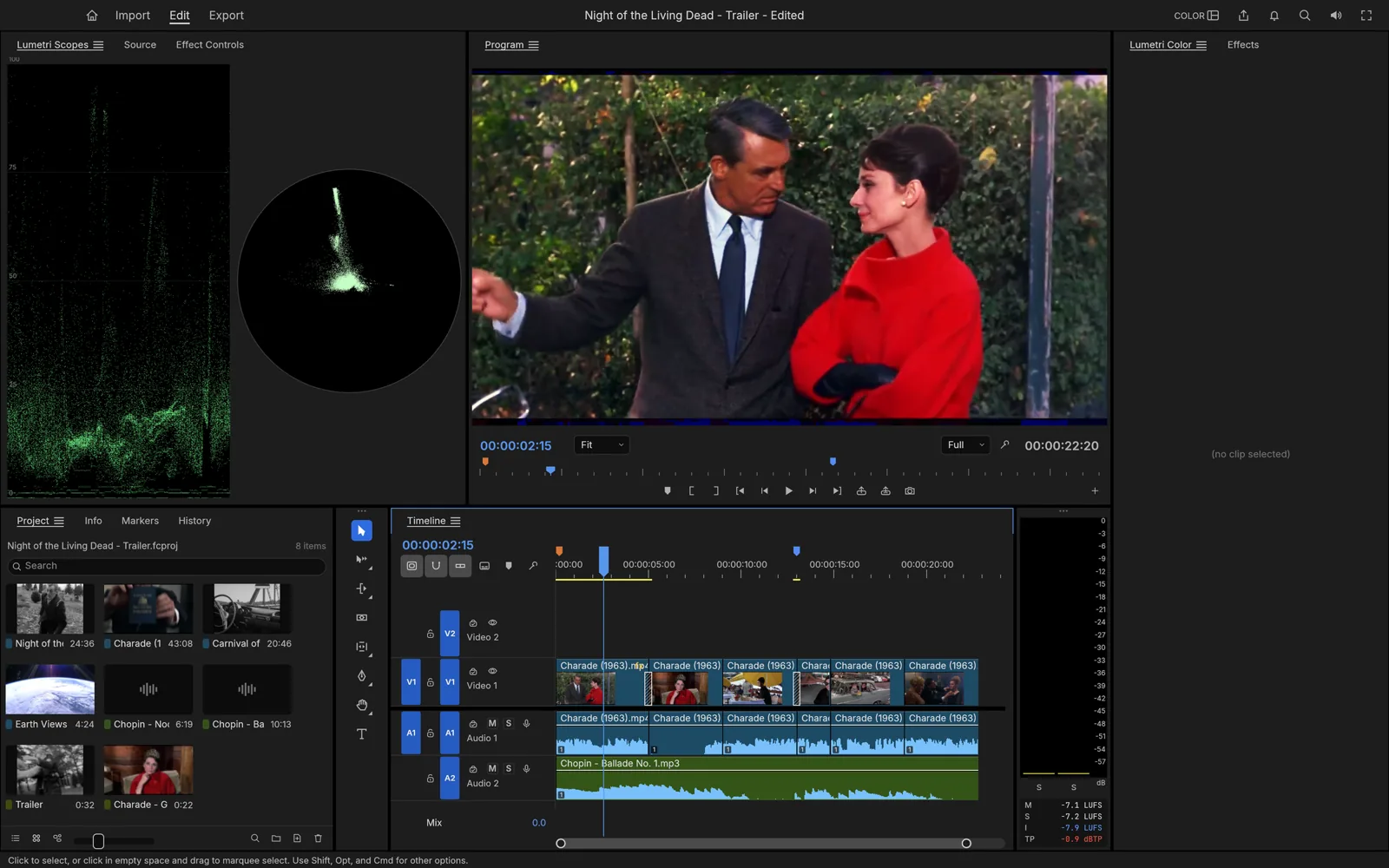

Bring video, color and sound together in a dedicated editing workspace. Source and program monitors, a multitrack timeline and trimming tools support the journey from raw footage to a finished edit.
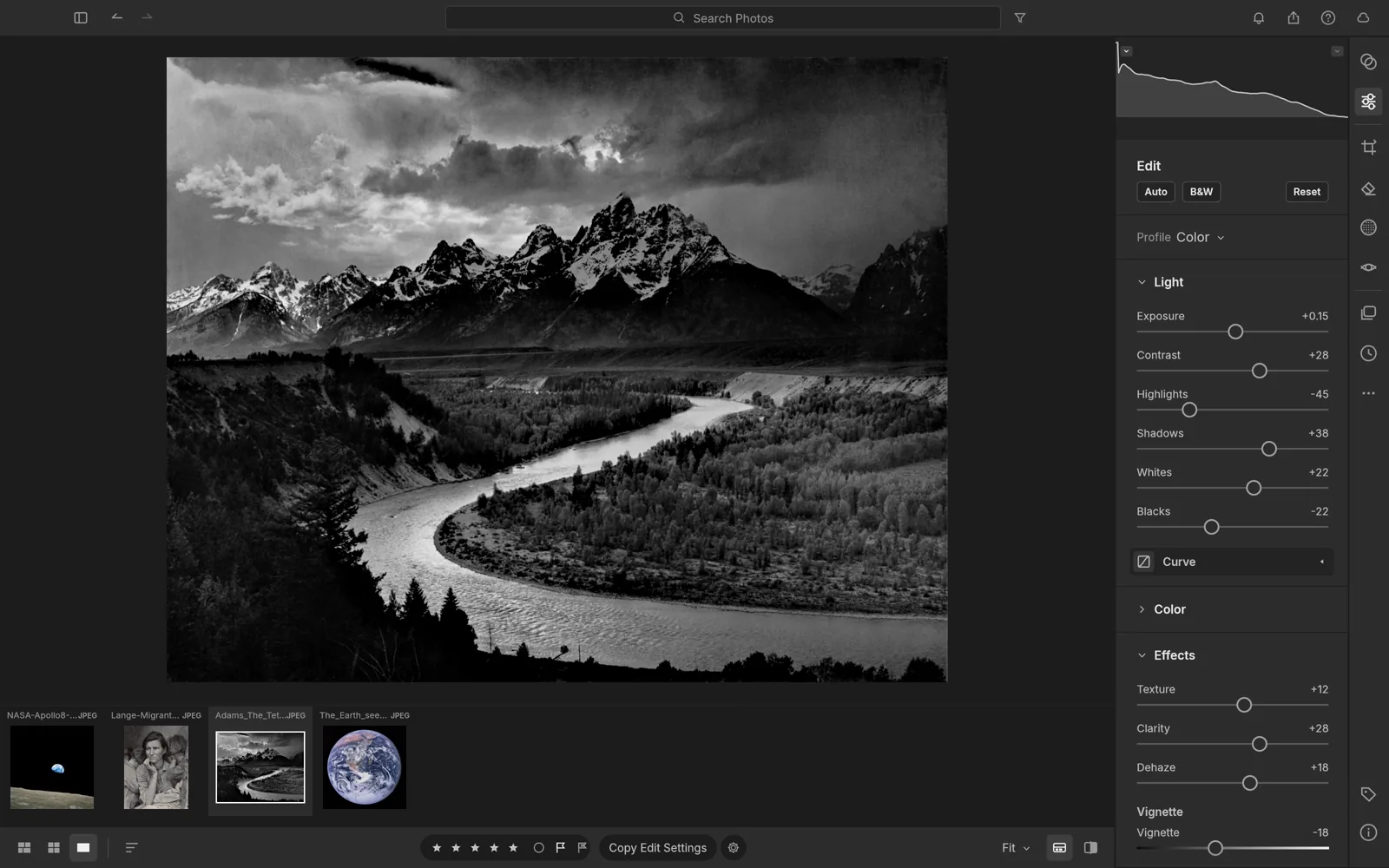

Keep a photo library and develop raw images without changing the originals. A native photography workspace that puts image organization and non-destructive adjustments on your own machine.
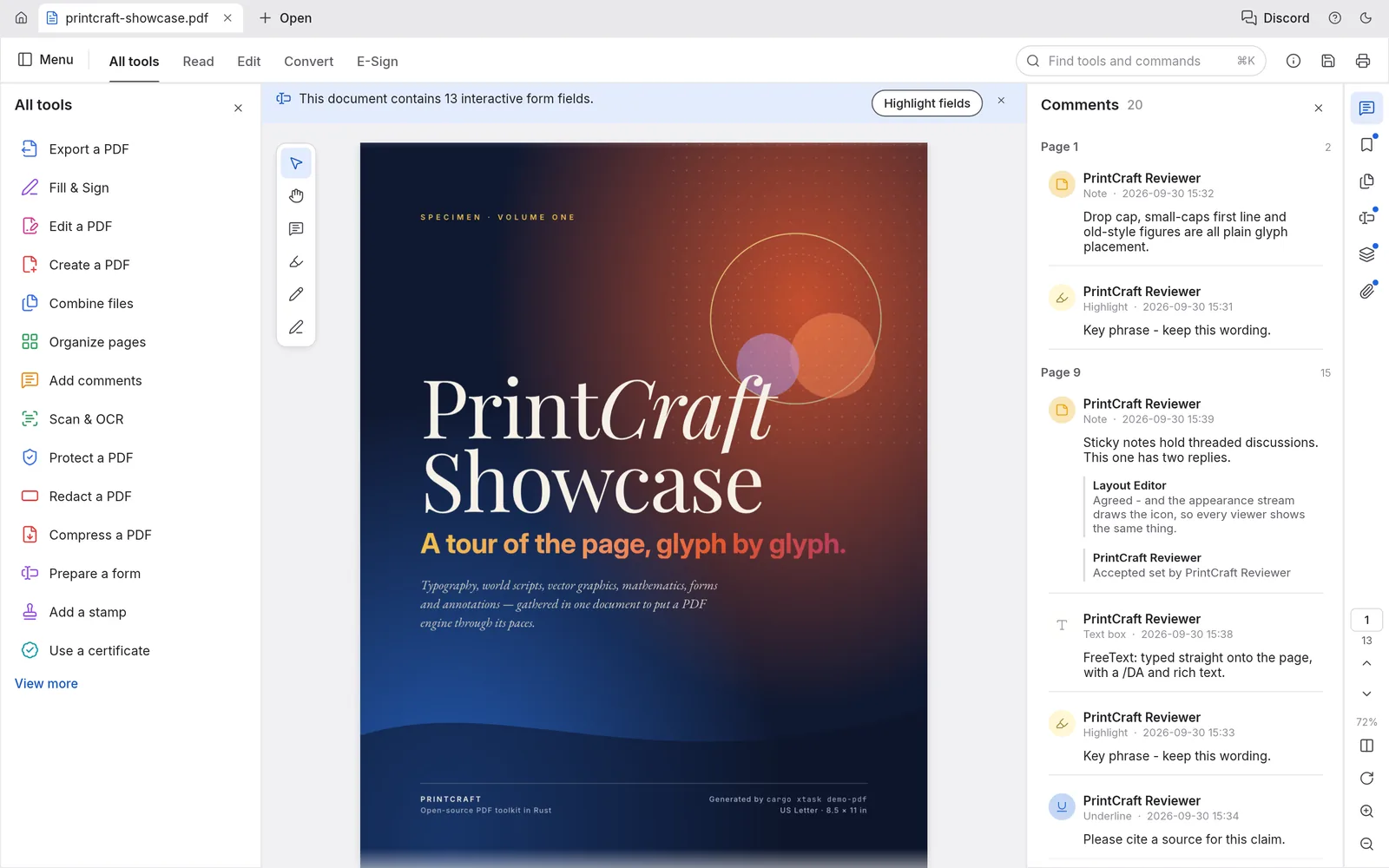

Read and organize PDF documents in one workspace. Combine files, split pages and secure documents with a native app designed to keep everyday PDF tasks close at hand.
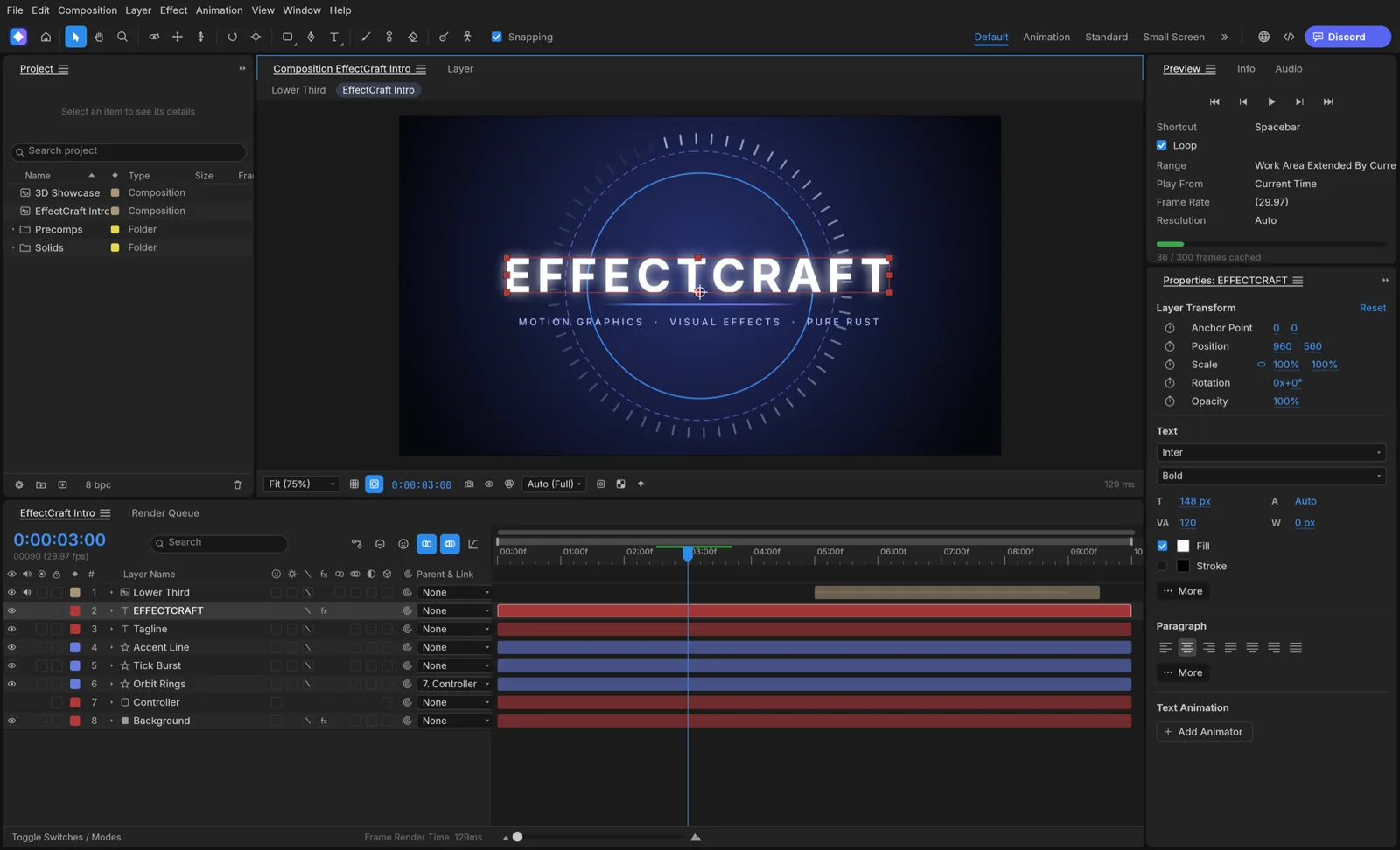

Build animated compositions using layers, keyframes and expressions. Explore effects, 3D cameras, lights and a render queue in a native workspace for motion design and compositing.
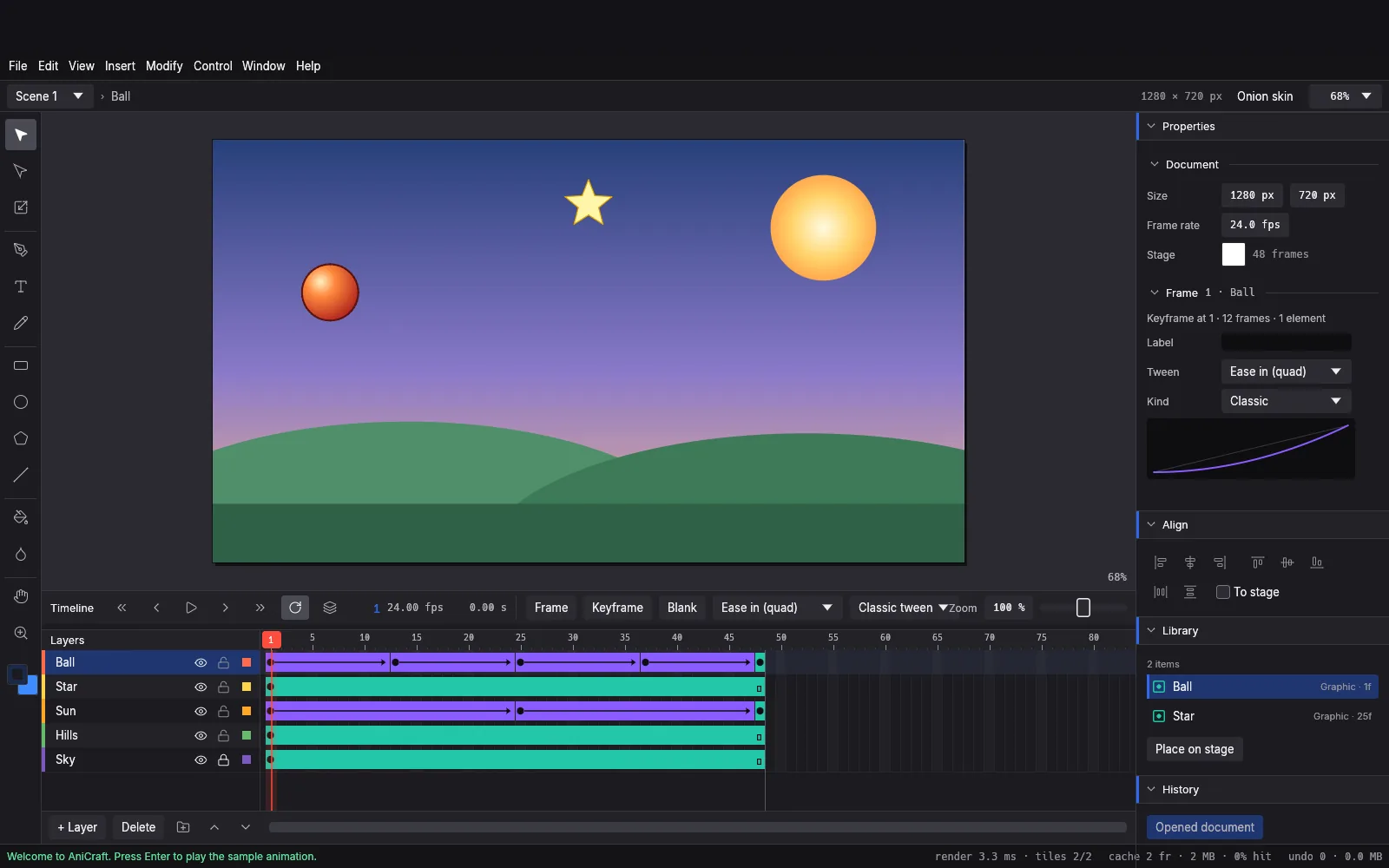

Draw vector artwork on a stage, set keyframes on a timeline and connect movement with tweens and easing. An early-alpha animation studio for bringing 2D scenes to life.
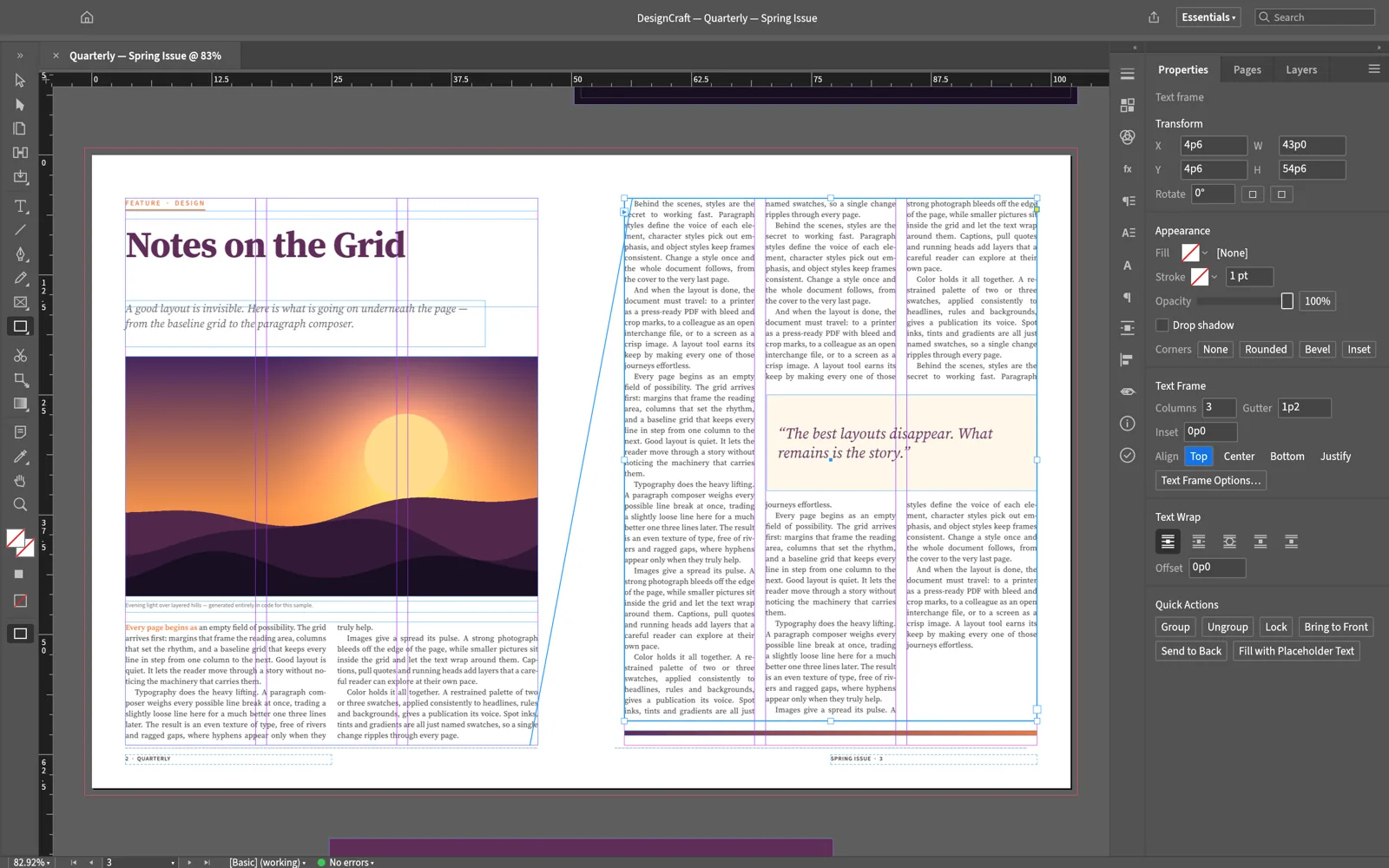

Create page layouts for editorial and publishing projects. The official showcase demonstrates multi-column stories, linked text frames and wrapped pull quotes in a magazine-style workspace.
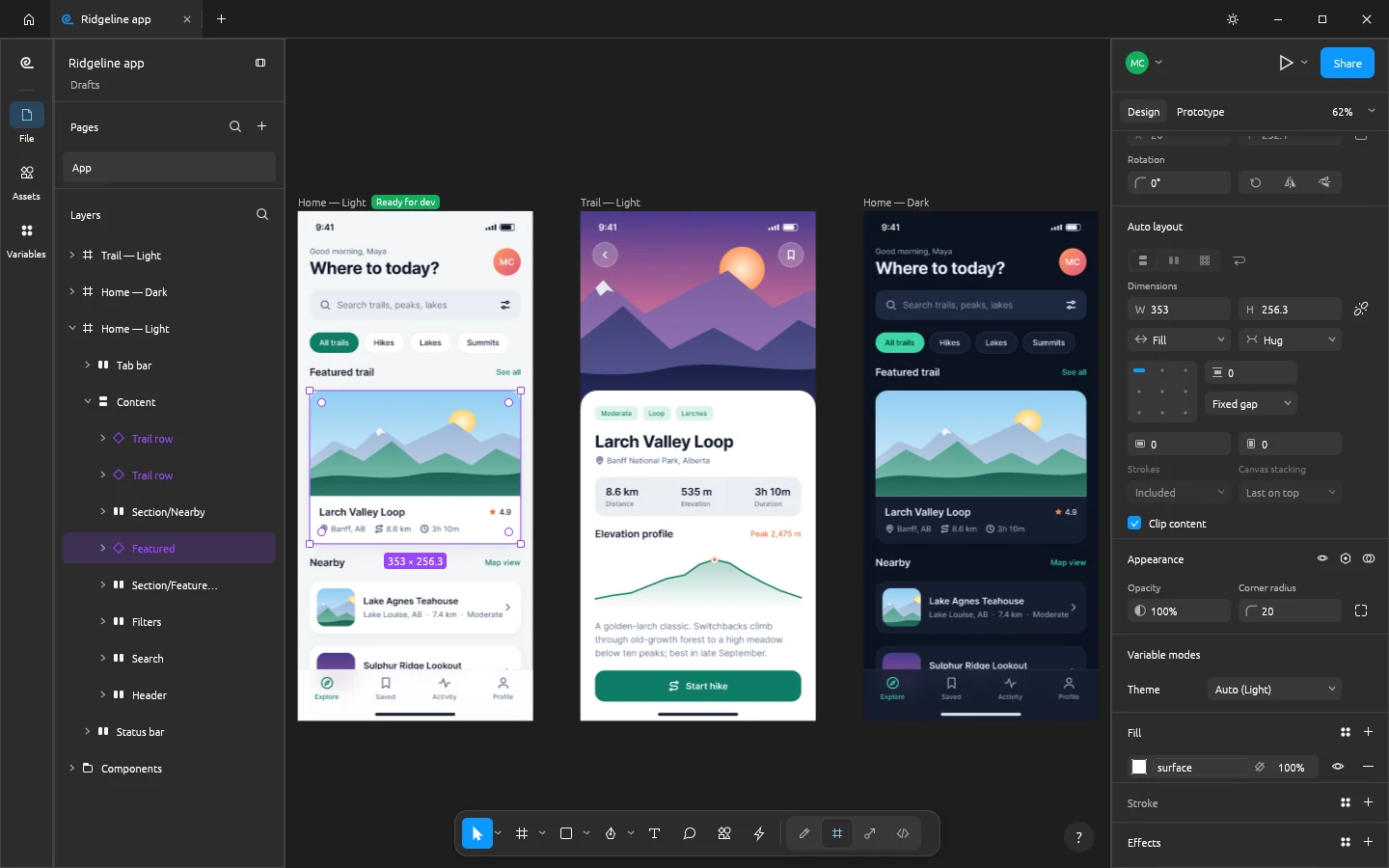

Design interfaces with frames, auto layout, components and variants. Combine vector tools, styles, variables and prototypes in a native design workspace that can work offline.
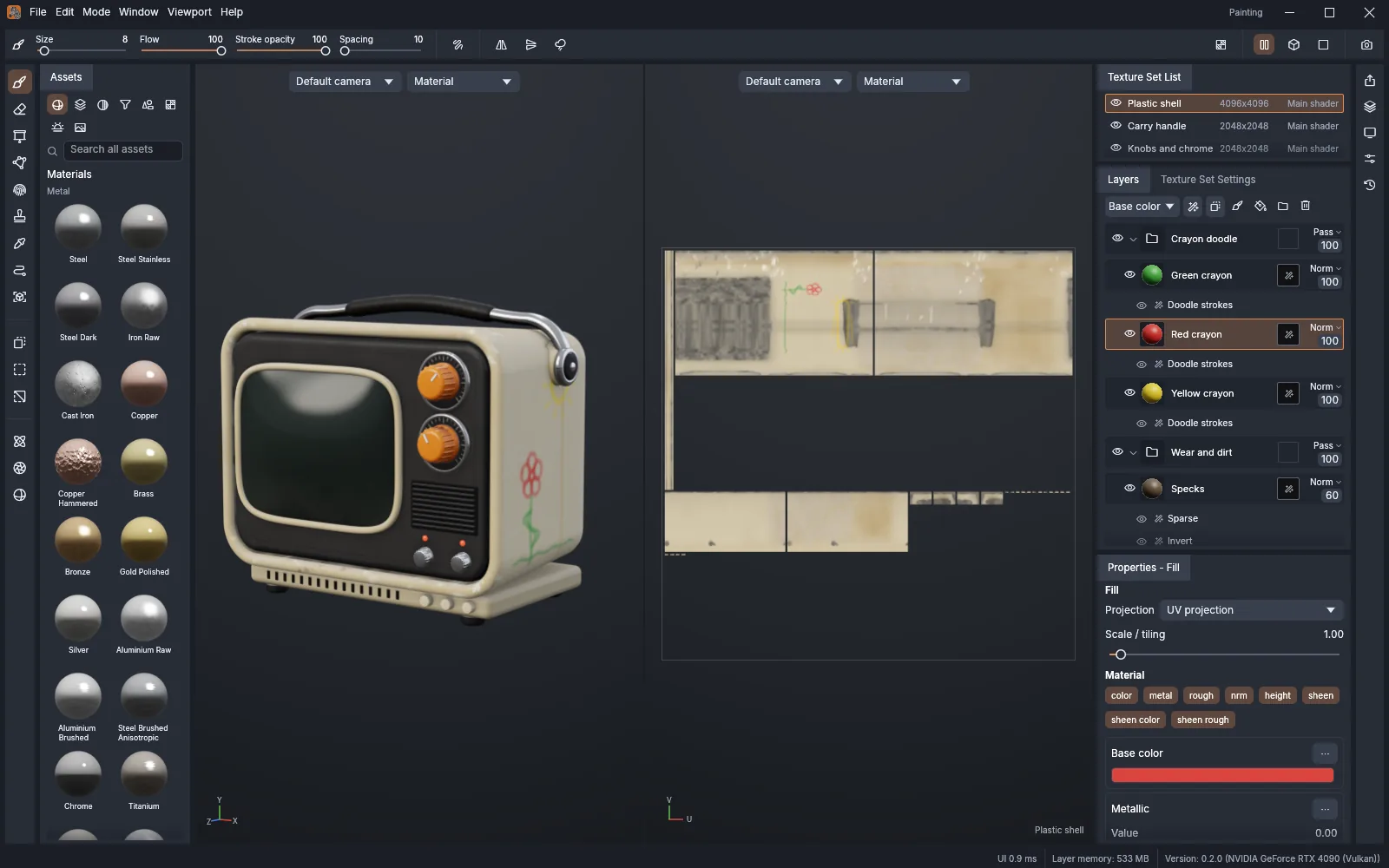

Paint surface details for 3D objects in a dedicated texturing workspace. The official showcase pairs a 3D viewport with a 2D UV view, materials, texture sets and a layer stack.
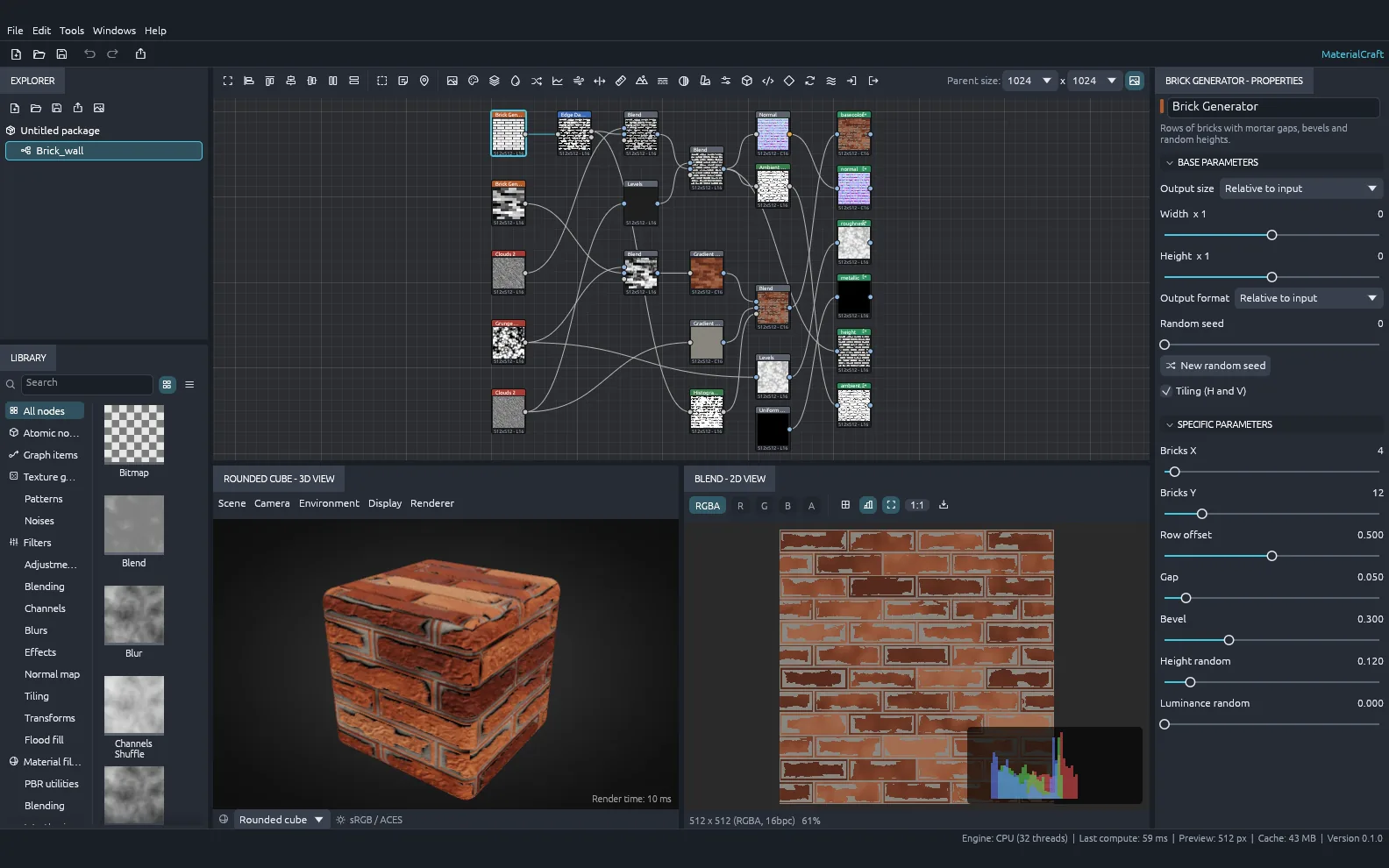

Explore procedural materials through a visual node graph. The official showcase brings together live node thumbnails, adjustable generator parameters and both 2D and 3D material previews.
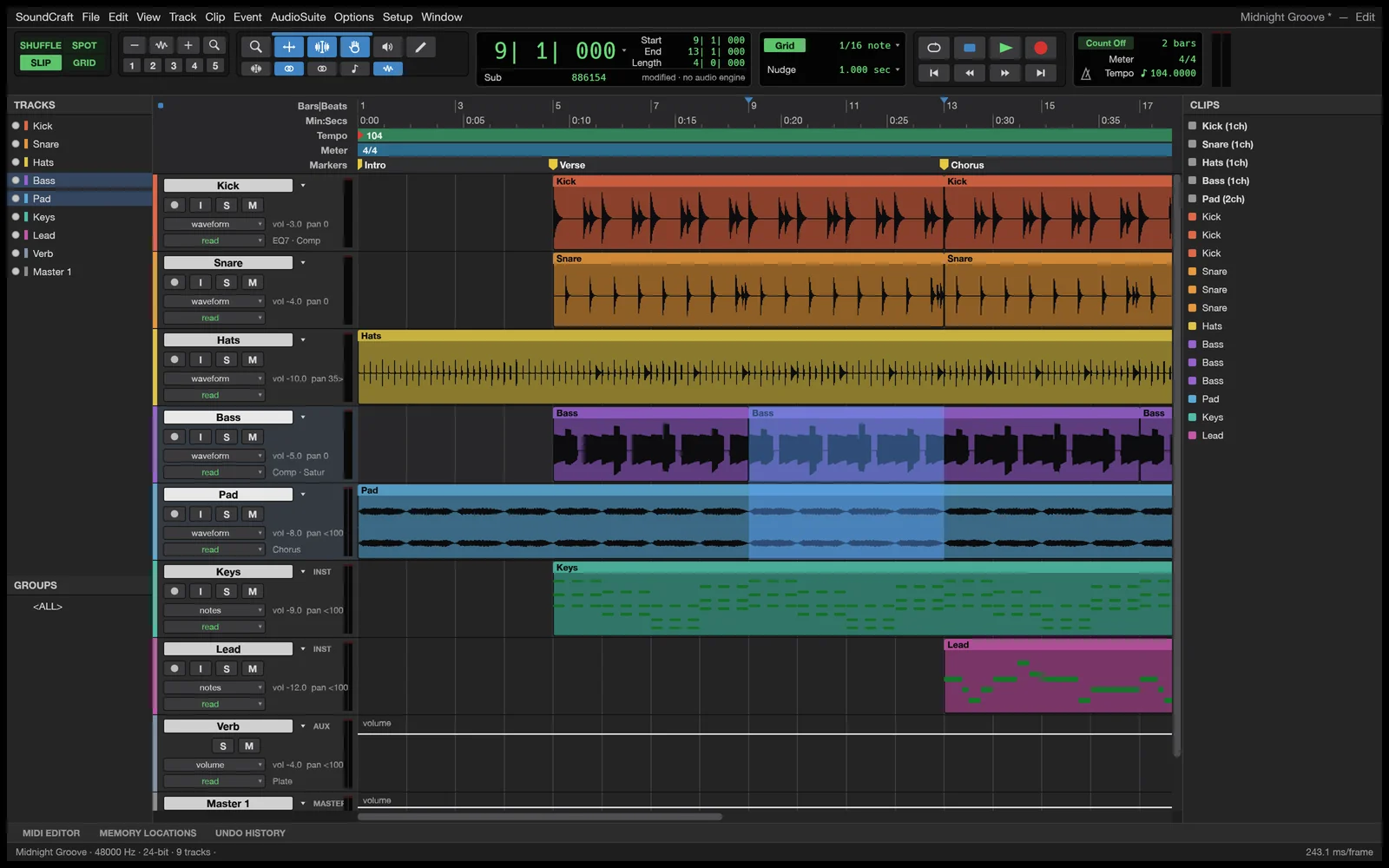

Record, edit and mix multitrack audio and MIDI. Dedicated Edit and Mix windows bring together track inserts, sends, surround panning and offline audio processing in a native DAW.
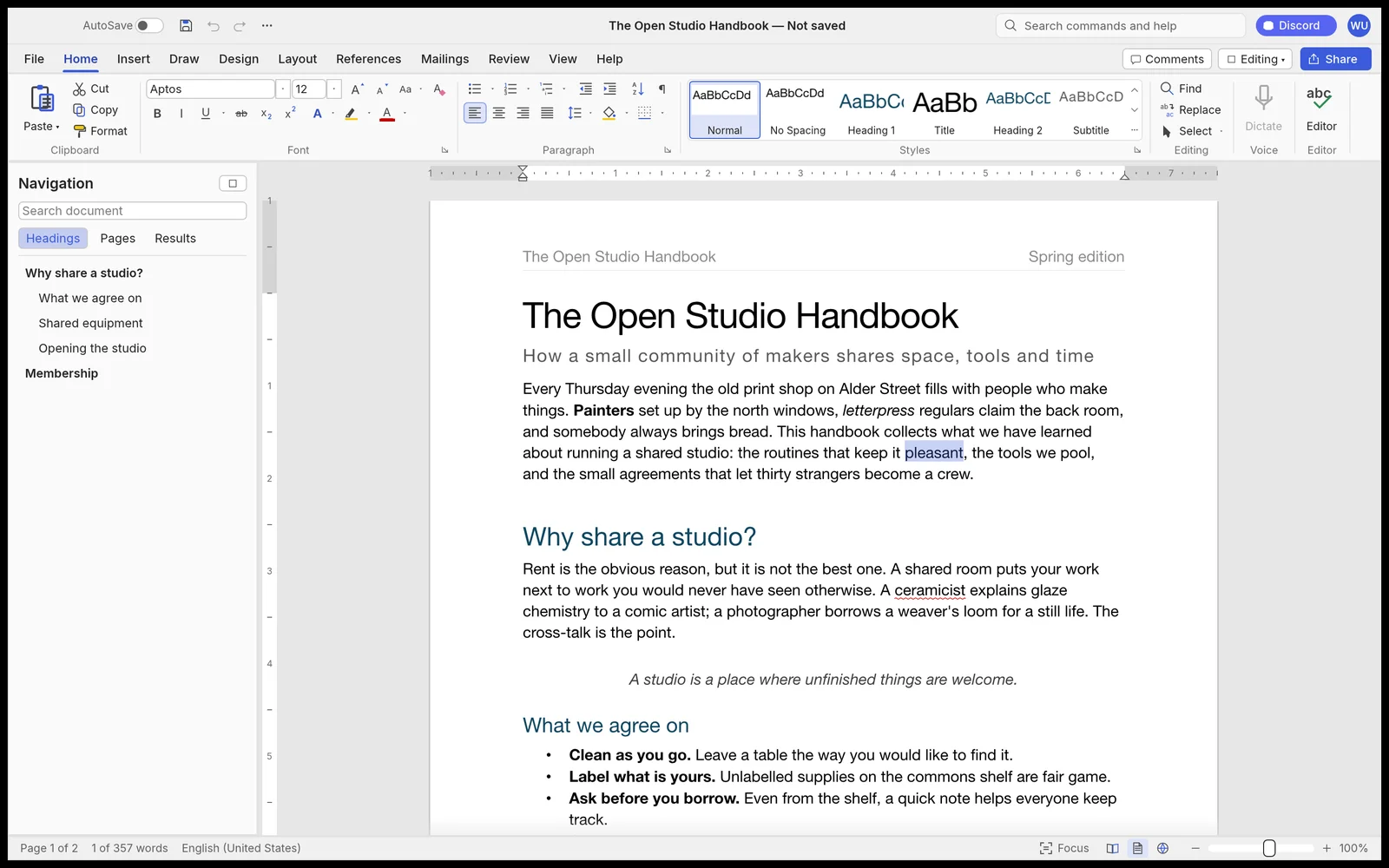

Write and format documents with a ribbon, styles, tables and references. Review edits with tracked changes, prepare mail merges and read or write DOCX files in a native word processor.
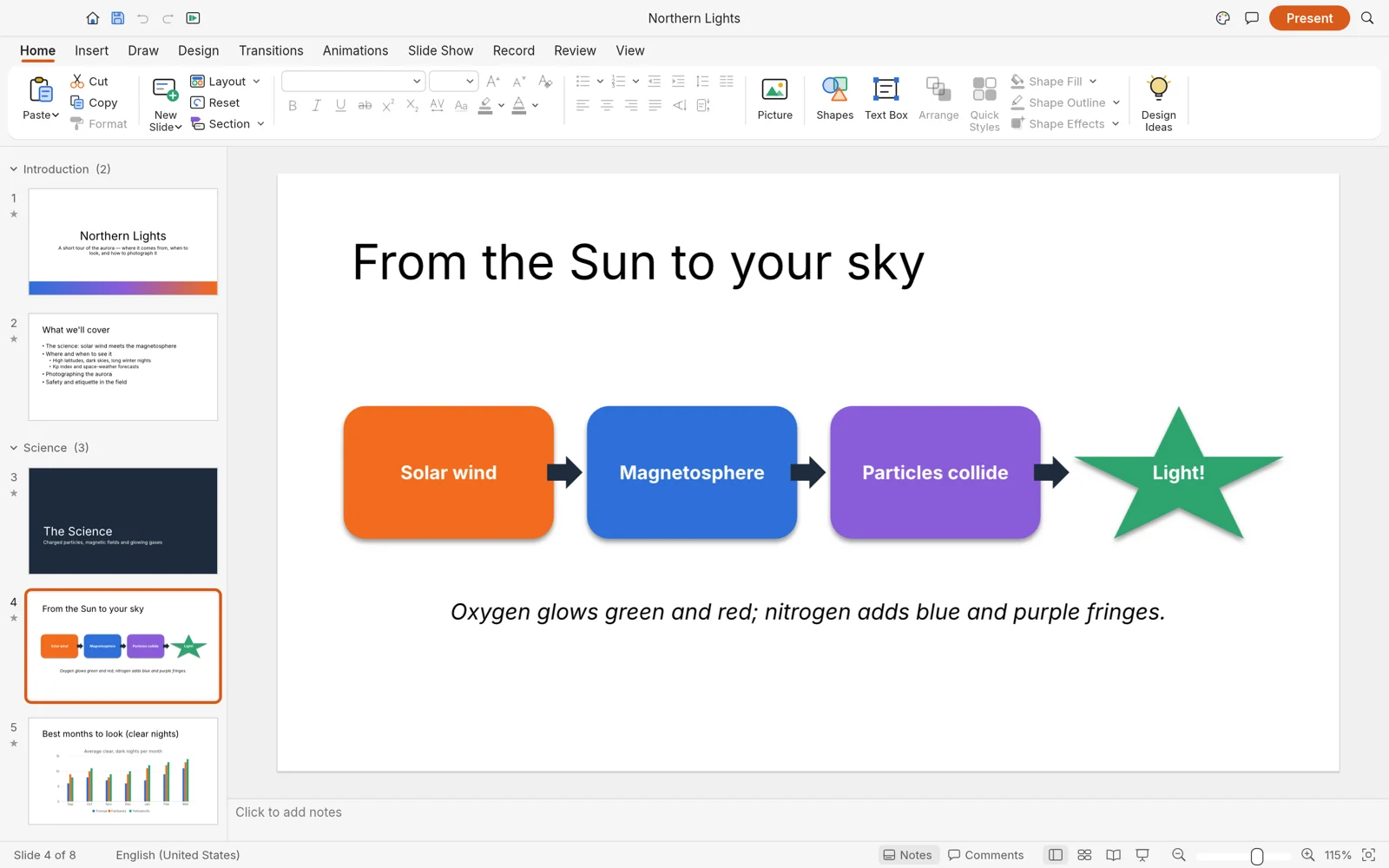

Build slide presentations with masters, themes and vector shapes. Add transitions and animations, then use presenter view to deliver your deck from a native desktop workspace.
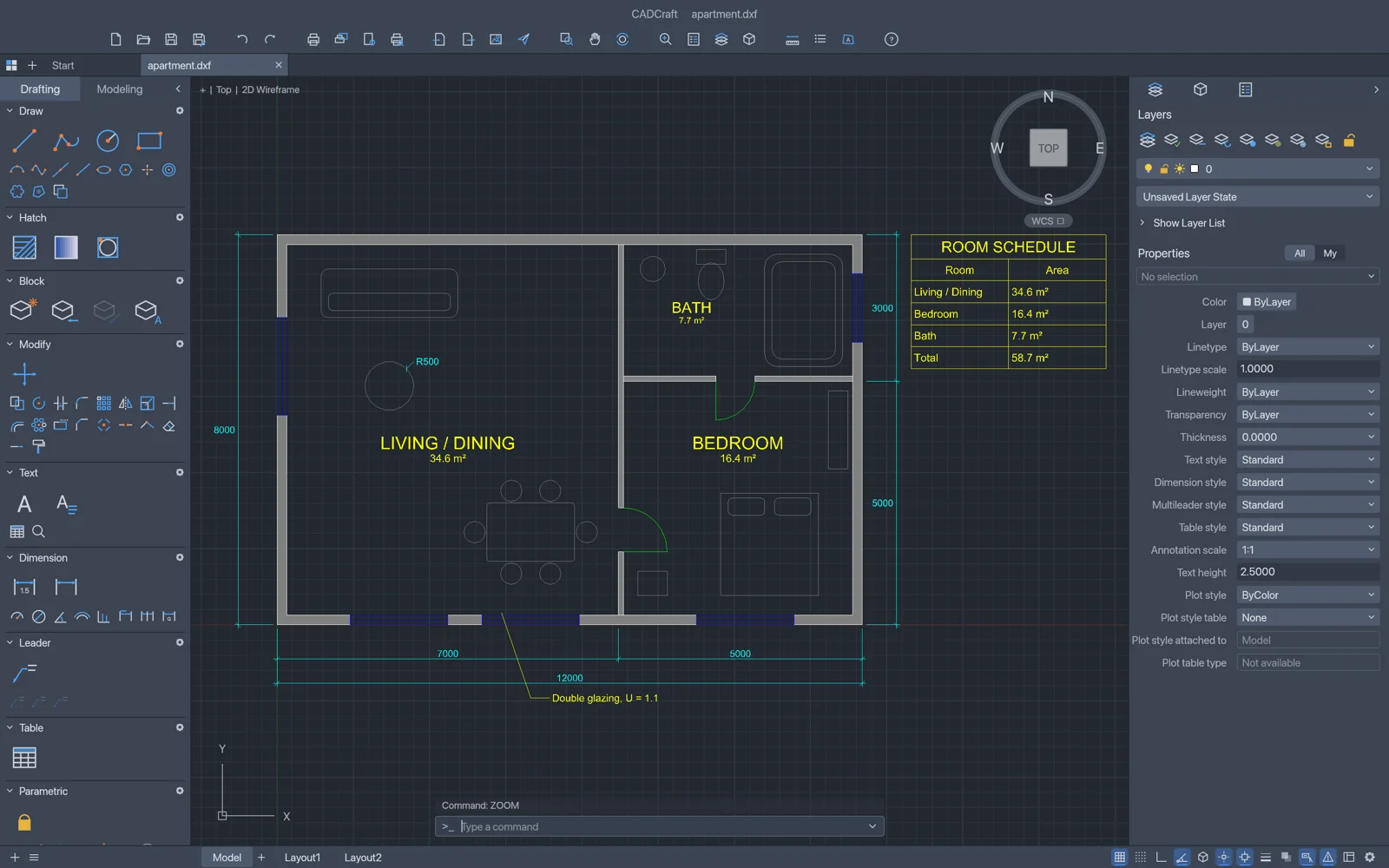

Draft drawings with a command line, object snaps, layers and dimensions. Work with hatches and blocks in a native CAD environment built for familiar drawing workflows.
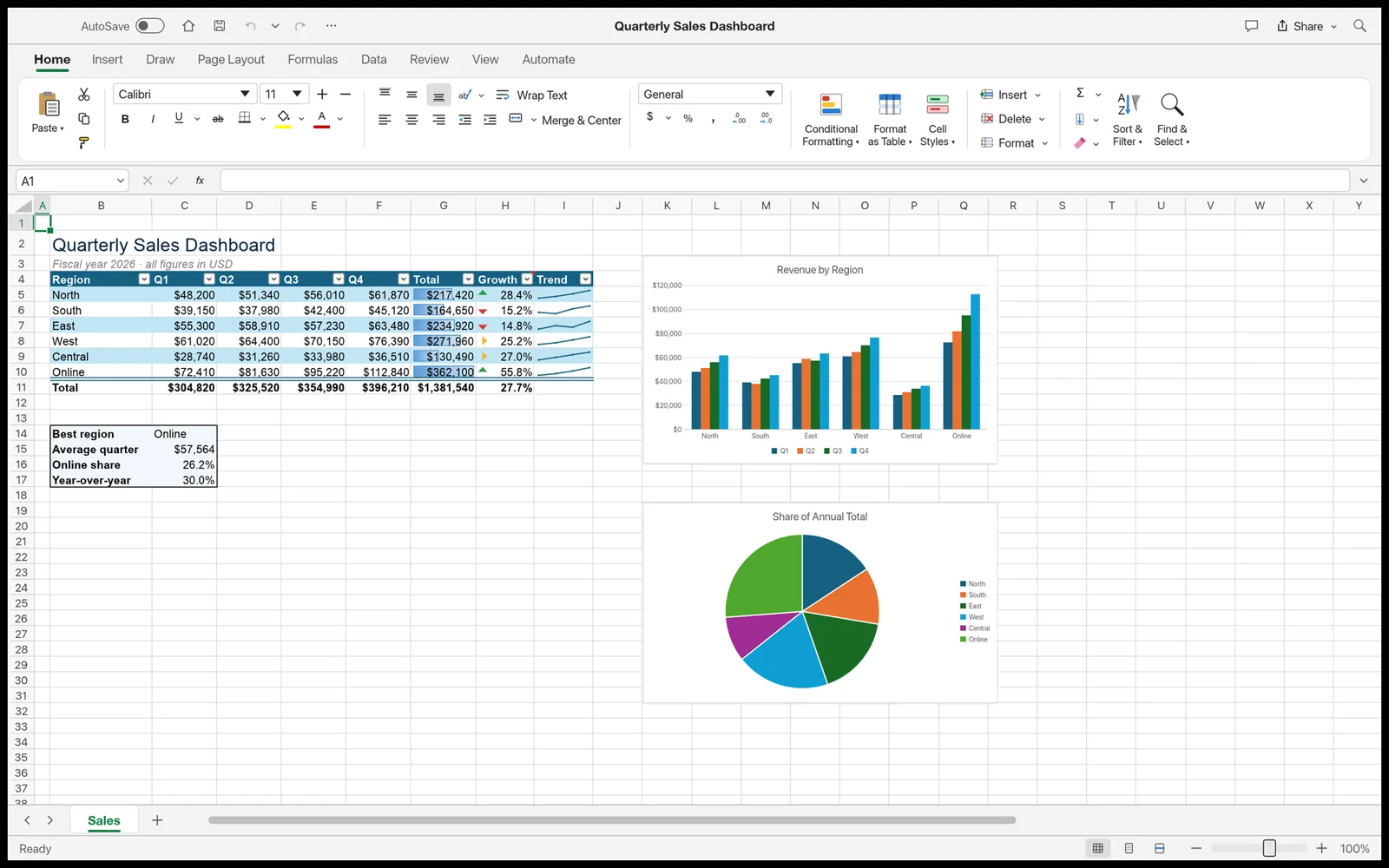

Organize and analyze data using formulas, dynamic arrays, PivotTables and charts. A native spreadsheet workspace with ribbon tabs and a formula bar that reads and writes XLSX files.
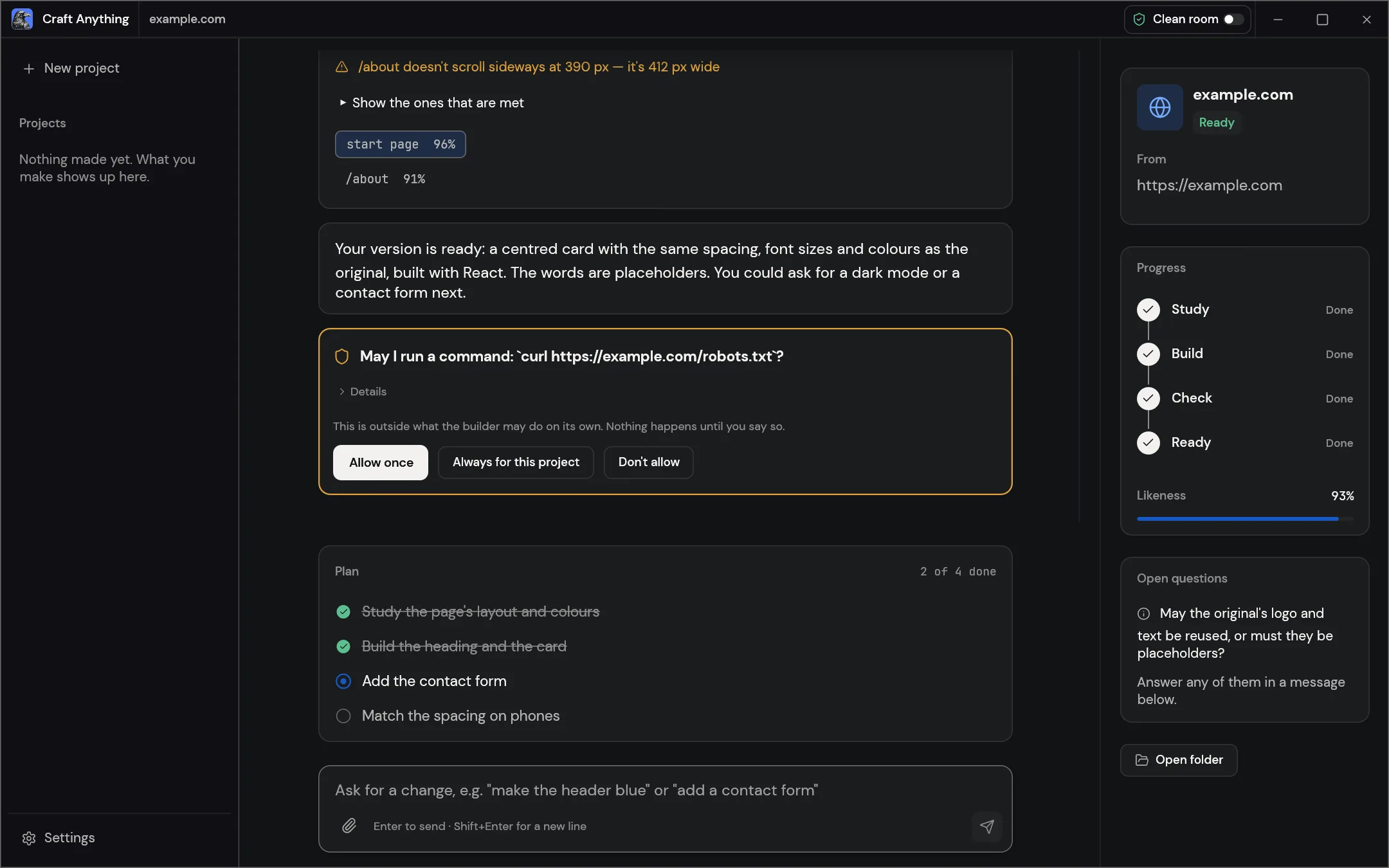

Explore how websites, apps and games work, then ask a coding agent to build your own version. The workflow studies the target, builds a project and compares the result with the original.
No apps match. Try another name or category.
Descriptions, product icons and screenshots: ArtCraft on GitHub ↗ · Images belong to their respective owners. Early software: capabilities and stability vary by app.
02 / INSTALLATION
Download an official release from GitHub, then install the app on your Mac. No source build required.
Select an app to load its Mac installation commands.
These terminal steps are a Fieldguide adaptation of the official DMG installation method, not an upstream install script. They stop after mounting the disk image: check its contents before copying. Commands are provided for macOS and have not been executed on a Mac here.
MAC INSTALLATION / QUICK ANSWERS
Use the official GitHub releases linked in each installation guide. ArtCraft Launcher provides a central place to install apps and manage updates. This independent website does not host application installers.
No. The terminal recipes download a macOS disk image from the selected project’s official release and check its SHA-256 checksum. If a universal DMG is unavailable, choose a compatible package on the official release page.
A universal macOS build can support both processor families. Check each app’s README and release notes for its current macOS requirements and available packages.
No. These are independently prepared terminal instructions based on the official release packages. Review commands before running them. They have not been executed on a Mac as part of this guide’s development.
No. Craft Fieldguide is an independent resource. ArtCraft’s official website is getartcraft.com; its source repositories are linked on GitHub. We do not represent the ArtCraft team.
03 / KEEP EXPLORING
Explore the projects, read the documentation, and follow what the makers are building next.
Explore official GitHub ↗